Free Setup
Get started with a professional first-time setup at no extra cost.
- Initial server guidance
- Database configuration support
- LAN connection assistance
A flexible Windows desktop POS for online and local offline operations, faster billing, accurate inventory, supplier management and clear business reporting.
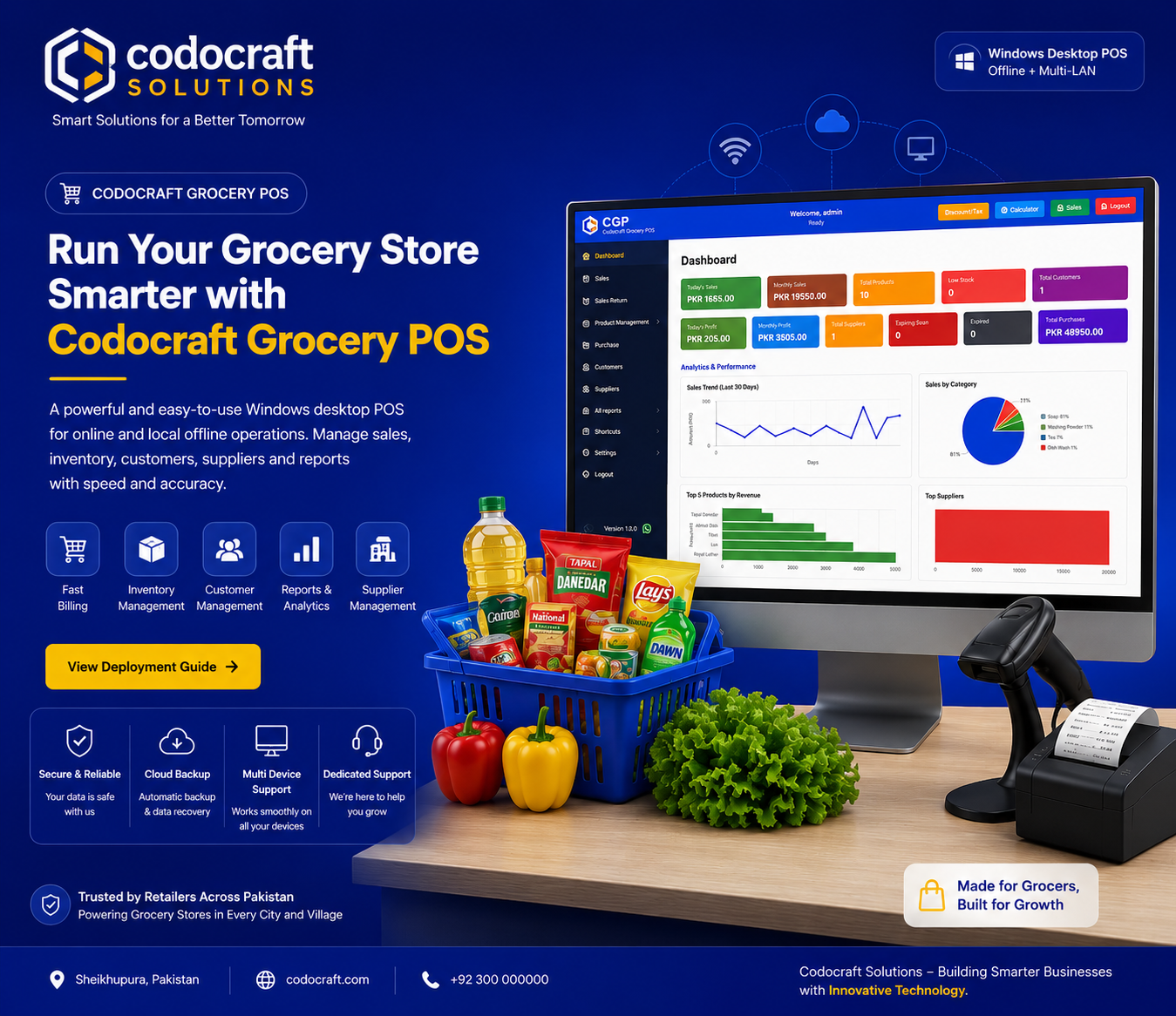
From daily checkout to stock decisions, keep the essential workflows in one focused desktop application.
Process customer sales quickly with a focused checkout workflow designed for busy grocery counters.
Maintain products, stock levels and pricing in one place so your team can make accurate selling decisions.
Organize supplier records and purchasing activity to keep replenishment work clear and accountable.
Record purchases, expenses and payments alongside your store activity for a more complete operational picture.
Review sales, invoices and transaction history with business data that supports practical decisions.
Keep returns and payment records organized so customer service and end-of-day reconciliation stay manageable.
Keep serving customers online or use a local offline workflow when your store needs dependable local operation.
Connect multiple computers across your local network through a dedicated server-based MySQL setup.
Request custom changes and workflow improvements to match your grocery store's requirements.
Receive free support and software updates for 12 months after your purchase.
Create multiple users and assign role-based permissions so every team member has the right level of access.
Get round-the-clock support whenever your grocery business needs help keeping operations moving.
See how Codocraft Grocery POS fits your store before choosing a license. Our team helps you prepare the server, connect your LAN clients and understand the daily workflow.
Get started with a professional first-time setup at no extra cost.
Explore the complete workflow and evaluate the system with your own retail requirements.
Select the plan that matches your store size, budget and long-term goals.
Everything is organized around dependable checkout, accurate records and practical LAN deployment.
Run the application from a dedicated server PC and connect client computers through your local network.
| Features |
Grocery POS |
Manual Workflows |
|---|---|---|
|
Fast checkout workflow
|
|
|
|
Products and stock records
|
|
|
|
Supplier management
|
|
|
|
Purchases and expenses
|
|
|
|
Payments and invoices
|
|
|
|
Sales returns
|
|
|
|
Business reports
|
|
|
|
Windows desktop application
|
|
|
|
MySQL Server database
|
|
|
|
Multi-PC LAN access
|
|
|
Set up one reliable database server and give your team controlled access across the LAN.
A professional four-step setup for a stable grocery store LAN environment.
Install MySQL Server 8.0, keep the service running on port 3306 and create a database with any suitable name.
Run Database\MySQLSetup.sql to create users, products, suppliers, sales, purchases, invoices and returns tables.
Create a dedicated database user, allow MySQL remote access, open firewall TCP port 3306 and use a fixed server IP.
Install .NET 8 Desktop Runtime x64 and the POS application, then connect each client using the server IP, port, username and database.
A clear operating model for administrators, cashiers and connected client computers.
"Codocraft Grocery POS brings the essential store workflows together in one dependable system. With a dedicated MySQL server and LAN-connected clients, teams can keep sales, stock and purchasing records organized."
Everything you need to know before installing the Grocery POS system.
The server and client PCs should use Windows 10 or Windows 11. Client computers also require the .NET 8 Desktop Runtime x64.
Use official MySQL Server 8.0.x. You may choose any suitable database name, import the supplied MySQL setup script and use that same name in the application configuration.
Yes. The system supports online use, local offline operation and multiple client computers connected through the same LAN.
No. Create a dedicated database user with access to your chosen database. Use the same username, password and database name in the client configuration, and avoid exposing the MySQL root account.
Yes. Custom modifications are available to adapt workflows and features to your store's specific requirements.
Yes. Your purchase includes 12 months of free support and software updates.
Set up the server once, connect your client computers over LAN, run online or offline and keep everyday grocery operations supported with 12 months of updates.